
Buying a truck or upgrading software is easy; proving its tax treatment takes records. A missing invoice or use detail can turn a routine tax-preparation question into expensive cleanup.
Schedule a conversation with Clear Peak Accounting to organize asset records before year-end decisions are made.
Fixed asset depreciation records for small business owners document each long-term business purchase and the facts needed to review its tax treatment over time. Keep an asset register with the description, cost, purchase date, placed-in-service date, location, business use, and disposal information. Attach invoices, payment records, titles, software agreements, improvement receipts, and vehicle-use support for each relevant asset class. These records help a CPA evaluate equipment, vehicles, software, furniture, and improvements for tax return preparation and planning.
The practical question is what belongs in the file before tax time or a significant purchase decision. Start with a consistent register that connects the books with each supporting document.
Fixed asset depreciation records for small business: start with an asset register
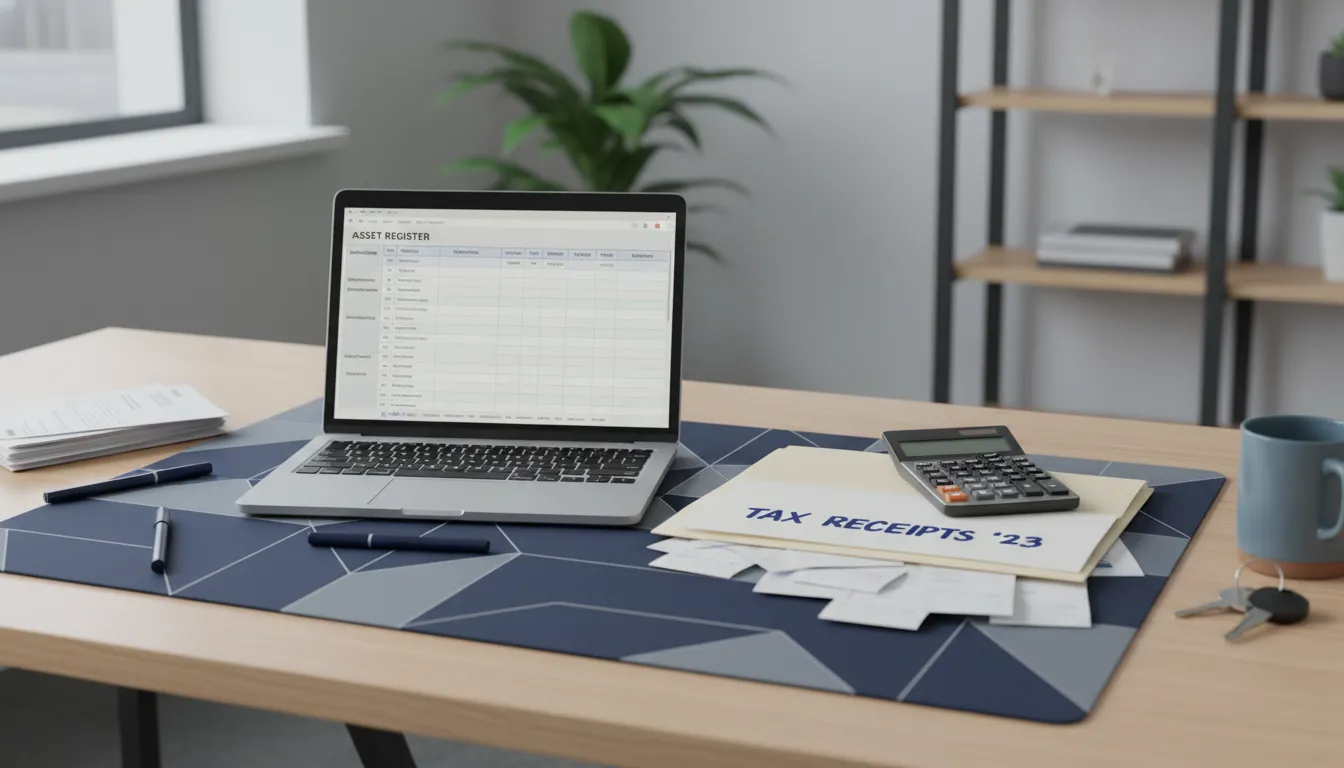
Fixed asset depreciation records for small business start with one working list: an asset register. It is a simple record of property the business buys and uses over time. Keep this list with the source documents that show what was bought and why it was needed.
What an asset register tracks
An asset register keeps each purchase in one place, rather than across receipts, email, and bank records. Begin a new line for equipment, furniture, vehicles, computers, or other long-term business items. Use a plain description that another person can understand without opening the invoice.
The list should answer basic questions at a glance. What is the asset, what did it cost, when did the business start using it, and where is it now? A complete register also makes a review for a business income tax return easier to prepare.
Fields to capture for each asset
Set up the register as a spreadsheet or as a report from your bookkeeping system. Use the same fields each time you add a purchase. Consistent entries make missing documents and unclear dates easier to spot before work begins on the return.
- Asset description: A useful name, model, serial number, or vehicle identification number, if available.
- Acquisition cost: The amount recorded for the asset, supported by the purchase document.
- Invoice or proof: The invoice, receipt, contract, payment record, or saved file location.
- Purchase date: The date the business acquired the item.
- Placed-in-service date: The date the asset was ready and in use for business.
- Business purpose: A short note on the work the item supports.
- Location and use: The office, job site, vehicle assignment, or person using it.
- Disposition details: The sale, trade-in, disposal, loss, or removal date and related records.
Documents that support the list
A register is stronger when it points to proof. Save an invoice or receipt with each entry, along with financing papers when they apply. If the item was sold, traded, scrapped, or no longer used, keep the record that shows what happened and when.
Update the list during the year, not only at tax time. Add an asset once it is put into business use, and mark changes while the details are easy to find. This creates a clean trail for the owner and the tax preparer to review together.
What documents should you retain for each asset purchase?
The core purchase record
Asset records start with proof of what you bought and what you paid. For each asset, retain the invoice or bill of sale, the purchase date, the payee name, and a clear item description.
Pair that document with proof of payment, such as a canceled check, card statement, or bank record. The IRS recordkeeping requirements describe supporting documents that identify the payee, amount paid, proof of payment, date, and a description of the item.
Documents by asset type
The right file depends on the asset. A receipt may show that a payment happened, but it may not explain installation costs, business use, or improvements that add value.
| Asset type | Documents to retain | Detail to capture |
|---|---|---|
| Equipment | Vendor invoice, payment proof, delivery and setup bills | Model, serial number, and placed-in-service date |
| Furniture | Receipt or invoice, payment proof, delivery bill | Item list and office location |
| Vehicle | Purchase agreement, title, loan papers, payment proof | VIN, business-use support, and service date |
| Software | Invoice, license terms, payment proof, renewal record | License term and activation date |
| Improvement | Contract, change orders, invoices, permits, payment proof | Work completed and property improved |
Keep separate support for related costs when they help prepare an asset for use. This makes it easier to explain the full recorded cost without relying on memory or a short bank description.
A clean file for later tax work
Set up one digital folder for each asset and use a consistent file name. Include the invoice, payment support, contract or license, and any document showing when the asset was ready for business use.
A vehicle folder should also hold records that support business use. An improvement folder should keep original contracts with later change orders, since the final project cost may come from several bills.
Good asset files support informed conversations about cost recovery. For related planning points, review small business tax deductions before records are handed to your tax preparer.
Track vehicles, software, and improvements with added detail
Some assets need more than an invoice and a payment record. Vehicles, software, and property changes can raise questions about business use, timing, and the type of cost. Strong fixed asset records keep those questions visible for CPA review.
Vehicle use records
A vehicle file should connect the purchase to its business purpose. Keep the bill of sale, loan documents, title, registration, and the date business use began. Add a short note on how the vehicle supports work, such as client visits, supply trips, or travel between work locations.
Business and personal driving may occur in the same vehicle. A mileage log can show dates, destinations, miles, and the purpose of each business trip. Keep related receipts, such as tolls and parking, with the log rather than in a separate pile.
- Vehicle description, identification number, and purchase documents
- Date available for business use and stated business purpose
- Mileage records and support for business trips
- Records of later sale, trade-in, damage, or major work
Software placed in service
Software records often get lost inside monthly technology bills. Separate a purchased license, a subscription, an implementation fee, and later support work in your records. Keep the contract, invoice, payment proof, renewal terms, and the date staff could first use the software for business.
Also save notes that explain what the software does. A program used for payroll, project tracking, scheduling, or customer records has a clear work link when that purpose is documented. Your CPA can then review the agreement and facts, rather than relying on a vague bank description.
Repair or improvement questions
Building work and equipment updates may need close review. Save proposals, signed contracts, invoices, permits when applicable, photos, and a brief description of the problem or planned change. Note when the work was finished and when the updated asset was ready for business use.
A repair-versus-improvement question often turns on what the work changed, not only what it cost. Did it restore a worn item, add a new feature, increase space, or replace a major part? Write down the facts while they are easy to recall.
Do not decide the accounting treatment from a receipt label alone. Bring the file and your use notes to your CPA for review. The IRS also addresses depreciable property in Publication 946.
How do asset records support tax return preparation?
Asset records help tie tax return entries to real purchases and events. A useful record shows what the business bought and what it cost. It should also state when the asset was ready for business use. That detail keeps later changes tied to the original item.
Support for cost basis
Basis begins with records that show an asset’s cost and related amounts. Keep invoices, closing documents, improvement receipts, and other purchase support with each asset entry. The IRS addresses basis and adjusted basis as part of depreciable property review in Publication 946.
Good records also separate a new asset from a repair or routine cost. That distinction may change how a cost appears on the return. A brief note about the business purpose adds useful context for later filing work or questions.
Placed-in-service timing
The purchase date alone does not tell the full story. An asset record should state when equipment, furniture, software, or a vehicle became ready and available for business use. This date helps the preparer evaluate depreciation in the proper period.
For example, a machine may be paid for before installation is done. The business may not use it until testing is complete. Keeping purchase, delivery, installation, and start-use records together cuts guesswork. It also supports the year shown on the depreciation schedule.
Disposition records and return support
Asset files should continue after the first depreciation entry. When an item is sold, traded, scrapped, lost, or removed from service, retain its date and documents. Sale statements, trade-in records, and disposal notes help match the change to the right asset.
A current schedule gives the tax preparer a clear starting point each year. It can show additions, continuing assets, and items that no longer belong on the list. It can also flag missing documents before filing work begins. This makes return preparation more dependable without replacing professional review.
Asset records are most useful when they stay organized throughout the year. If your business needs filing support, Clear Peak Accounting provides business income tax return preparation based on the records available.
Which depreciation decisions warrant CPA review before year-end?
Year-end review matters when an asset record leaves room for judgment. Complete fixed asset depreciation records for small business use give a CPA needed facts. Those facts support review before the return is prepared.
Classification and timing questions
An owner may know an item was purchased, but not how it should be grouped. Office furniture, computer hardware, vehicles, equipment, and software can raise different treatment questions. A CPA should review items with unclear descriptions, mixed components, or missing dates.
The placed-in-service date also needs care. A purchase date does not always show when an item was ready and available for business use. IRS Publication 946 addresses placed-in-service timing, basis, repairs, improvements, methods, and Section 179 elections.
Bring invoices, payment support, installation records, and a short note on when each asset became usable. This keeps the discussion tied to records, rather than estimates made after year-end.
Repairs, improvements, and business use
Some costs look routine at first, then change the value or useful role of property. A roof project, major equipment upgrade, or remodel may need review before it is recorded as a repair. The key question is what work was done, not only what the vendor called it.
Business use can also shift during the year. A vehicle, computer, or other asset may serve both business and personal needs. Record the business purpose and any use details while they are easier to confirm.
This review is useful before a broader year-end tax planning checklist meeting. A CPA can then ask for missing support while books are still open and facts are easier to gather.
Software and accelerated treatment choices
Software purchases and larger technology projects are worth flagging early. A recurring software charge, a purchased license, and software tied to new equipment may not call for the same review. Keep contracts, invoices, renewal terms, and implementation costs together for the CPA.
Section 179 or other accelerated treatment choices should not be made from a purchase list alone. The decision can depend on asset details, business use, timing, and the owner’s wider tax picture. California and federal treatment may also require separate review.
A year-end conversation about business tax planning can focus on the items that need a decision. Owners can present clean records, note uncertain items, and ask how each available choice applies to their facts.
A practical workflow for maintaining depreciation records
A record started at purchase
Fixed asset depreciation records for small business owners work best when they start with the purchase, not tax season. A record should show what was bought, why the business uses it, its cost, and where the support is stored.
Build the file while facts are easy to confirm. A simple process keeps the asset list, source papers, and ledger connected as purchases, changes, and disposals occur through the year.
- Create an asset entry. Add each long-lived purchase to a fixed asset list when it arrives. Record a plain description, vendor, purchase date, cost, location, and who approved it.
- Attach source documents. Save the invoice, receipt, financing papers, and proof of payment with the entry. Add freight, setup, or improvement bills when they relate to that asset.
- Document when use begins. Record the date the asset was ready and available for business use. Keep delivery logs, setup notes, or a short dated memo that supports this point.
- Reconcile on a routine schedule. Each month or quarter, compare additions and dispositions with the general ledger. Check purchases, loan records, insurance lists, and items sold or removed from use.
- Flag open questions. Mark repairs, improvements, mixed-use items, trade-ins, and missing paperwork for review. Do not force an uncertain purchase into a category to finish the list.
- Review before year-end. Gather missing support, confirm assets still in service, and note sales or dispositions. Bring a clean list to the tax discussion before filing choices are made.
Documents that reduce follow-up
A useful asset file ties each ledger entry to its support in one place. Use clear digital file names, such as asset number, vendor, date, and document type, so a reviewer can trace an entry quickly.
For a vehicle, equipment item, or office improvement, keep later changes with the original asset file. When an item is sold, donated, traded, or retired, store the date and related papers there too.
A cleaner CPA review
A regular review does more than prepare a spreadsheet. It points out missing support early, while receipts and staff details may still be easy to find and record.
Proactive records make year-end talks more focused and reduce time spent tracking down old papers. For help aligning the ledger and support files, review Clear Peak Accounting’s accounting services before your next CPA discussion.
Frequently Asked Questions
What records should a small business keep for a depreciable asset?
For each depreciable asset, keep the invoice or receipt, proof of payment, description, cost breakdown, vendor, purchase date, and date available for business use. Also keep financing papers, installation costs, improvement invoices, disposition records, and records supporting business use. For vehicles, keep mileage and use documentation. These records help connect the asset listing to bookkeeping entries and questions raised during tax preparation.
What does placed in service mean for business equipment?
Placed in service generally means the date an asset is ready and available for its intended business use, not merely the purchase date. Equipment delivered in December but installed and usable in January may require January timing for depreciation review. Keep delivery, installation, testing, and first-use records so a CPA can evaluate the correct starting date based on the facts.
Does software belong in fixed asset depreciation records?
Software should be tracked when it involves a purchased license, implementation cost, or another cost that may require capitalization or separate tax treatment. Keep contracts, invoices, renewal terms, setup charges, and go-live dates. Recurring subscriptions may be handled differently from purchased or developed software. A separate record helps the bookkeeper and CPA identify costs needing review rather than grouping all technology spending together.
When should a CPA review repairs versus improvements?
Ask a CPA to review costs when work restores major property, replaces significant components, expands capacity, adapts property for a new use, or extends its useful role. Keep proposals, invoices, before-and-after descriptions, photographs, and completion dates. Routine maintenance may be handled differently from a substantial improvement. Review is useful before year-end entries or tax elections are finalized.
Ready to get depreciation records in order?
Missing asset records can leave your business sorting receipts, ownership details, and improvement costs when decisions are already urgent. Starting now gives you time to organize equipment, vehicles, software, furniture, and improvement files before your next tax planning conversation. Clear records also help your CPA ask focused questions and discuss available treatment choices with supporting details close at hand.
Ready to schedule a proactive tax planning consultation? Contact Clear Peak Accounting to schedule a conversation about your fixed asset records. Bring the records you have, note missing items, and start a practical discussion about your next steps.